App ratings quietly compound your mobile growth. Strong ratings improve store conversion, lift keyword rankings, and lower acquisition costs. For Apple Search Ads, better conversion means more wins at the same bid and less waste from unqualified taps.
Most teams still ask for reviews with generic timers or random prompts. This article shows how to automate review requests with precise triggers, strict anti-spam guardrails, and measurement that proves impact on both ASO and ASA.
Why this Matters to ASO and ASA
ASO needs two things you can influence: relevance and conversion. You work on relevance with metadata and creativity. You improve conversion with proof.
Ratings and fresh reviews are social proof. When your rating climbs from 4.1 to 4.6 and recent reviews highlight the features your screenshots promise, store conversion rises.
ASA benefits twice. First, you win more auctions because tap-to-install conversion improves at the same bid. Second, stronger store conversion reduces blended customer acquisition cost across paid and organic.
That positive loop continues as more satisfied users arrive and leave better feedback.
Principles for Compliant Automation
Treat the system prompt as a privilege. On iOS, you can request a rating, but the operating system decides whether to show it and how often. Think of your call as a hint, not a command.
Keep these principles in mind:
Ask after value, never before. Users need to feel the benefit first before they can honestly evaluate your app.
Do not incentivize reviews with rewards or discounts. This violates platform policies and creates artificial ratings that hurt long-term trust.
Never gate reviews by sentiment. If a user is unhappy, route them to support, not to a filter that blocks them from the store. Everyone deserves a voice.
Reduce friction by keeping messages short and letting the native prompt handle the work.
Respect user intent with clear exits. If someone dismisses your pre-prompt or selects "Not now," honor that choice for a long period.
Log every request so you can throttle correctly and troubleshoot issues when users complain.
Triggers that Map to Real User Value
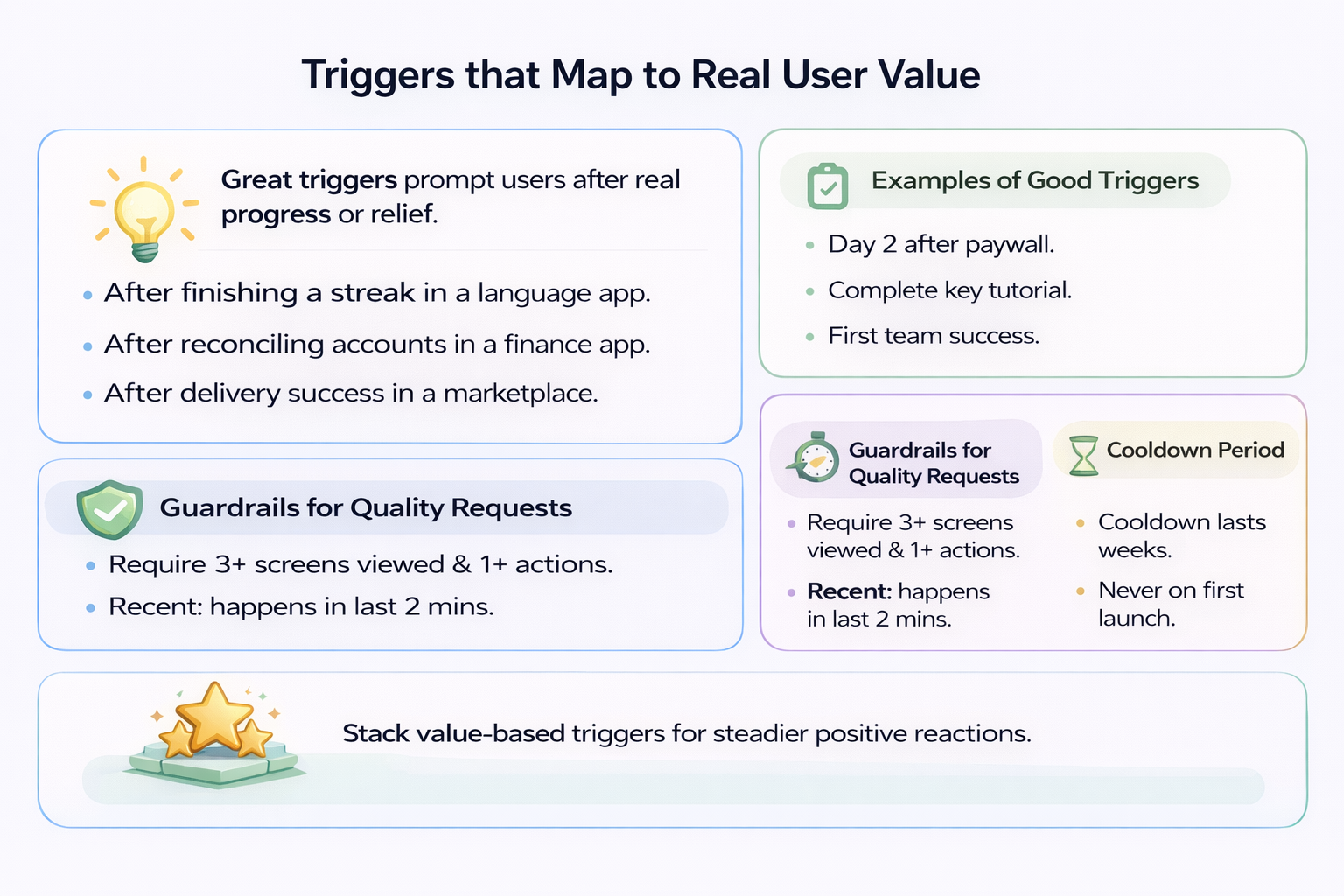
Great triggers come from moments when users feel progress or relief. Tie requests to events where value is obvious and emotions are positive.
In a language app, ask after finishing a streak day and passing a checkpoint. In a finance app, ask after reconciling accounts or exporting a clean monthly report. In a marketplace, ask after successful order delivery and resolved support tickets.
For subscription products, good triggers include:
- The second consecutive day of use after paywall acceptance
- Completion of a flagship feature tutorial
- The first successful collaboration if your product is team-based
Layer in guardrails to protect the experience. Require minimum session depth, such as three screens viewed and one core action in the current session.
Require recency of success. The milestone should occur in the last two minutes, not yesterday.
Add a cooldown measured in weeks before attempting another request. Never ask on the first launch after install.
A stack of two or three value-based triggers, each protected by guardrails, produces steadier review velocity than a single global timer.
Cohorts from ASA and the Pre-prompt Context
ASA traffic is diverse. Users arrive through branded terms, competitor captures, or generic category terms. You can land them on different Custom Product Pages with varied promises.
Someone who tapped a generic claim on a feature-rich CPP may need a different ramp before they feel value.
You cannot theme the native OS prompt itself, but you can shape the pre-prompt context. Use your cohort data to choose where you place the microcopy that precedes the system call.
If the user came through a "Track workouts with live stats" CPP, place your eventual request near the first completed tracked workout, not at an unrelated moment.
For branded traffic, users often already trust you. Ask after the first task success in their first or second session.
For competitor terms, wait for a side-by-side feature win before asking. These users need proof your app delivers better than what they left.
On the analytics side, tag every prompt attempt with the ASA ad group or keyword theme that drove the install. Over time, you learn which cohorts are more receptive to early asks and which need a longer runway.
Feed those learnings back into your creative and your CPP hypotheses.
Frequency, Cool-downs, and Fail-safes
Automations fail when they become too eager. Build a layered frequency model.
Start with a per-user cool-down that far exceeds any OS-level limit. Treat it as your main safeguard.
Add a global ceiling that caps how many prompts the app can attempt per day across the user base. This protects you from a bad deployment that spams everyone.
Introduce a backoff that increases the cool-down after every ignored request. If someone dismisses your prompt twice, wait even longer before trying again.
If you use a pre-prompt, keep it quiet and skippable. Never show it repeatedly in a single session.
Log the state machine. Each user should carry a small record: last_ask_at, times_asked, last_result, last_trigger_type, and last_version_prompted.
Reset only when you ship a version with meaningful improvements that address the feedback you received.
Include a remote kill-switch so product or growth teams can disable all asks instantly if metrics or reviews look off.
Anti-spam and Policy Compliance
Anti-spam is both ethics and risk management.
Do not offer compensation for reviews, including coins, premium time, or contest entries. Platforms ban apps for this.
Do not gate the store link behind a sentiment check. If you collect sentiment in your product, use it to prioritize help, not to filter who gets to speak publicly.
Do not badger users who dismissed the prompt. Respect "not now" as a clear no for a long period.
Avoid stacking multiple system dialogues in one session. If the user just handled push permissions or location requests, skip your ask.
Do not show the prompt on first launch or immediately after a paywall. Users need time to experience value before they can evaluate it.
The best rule is simple: ask only after you have clearly delivered value, and never try to engineer a positive rating through pressure or reward.
Measurement that Ties to ASO and ASA Outcomes
Treat review automation as a growth lever that should justify itself with data.
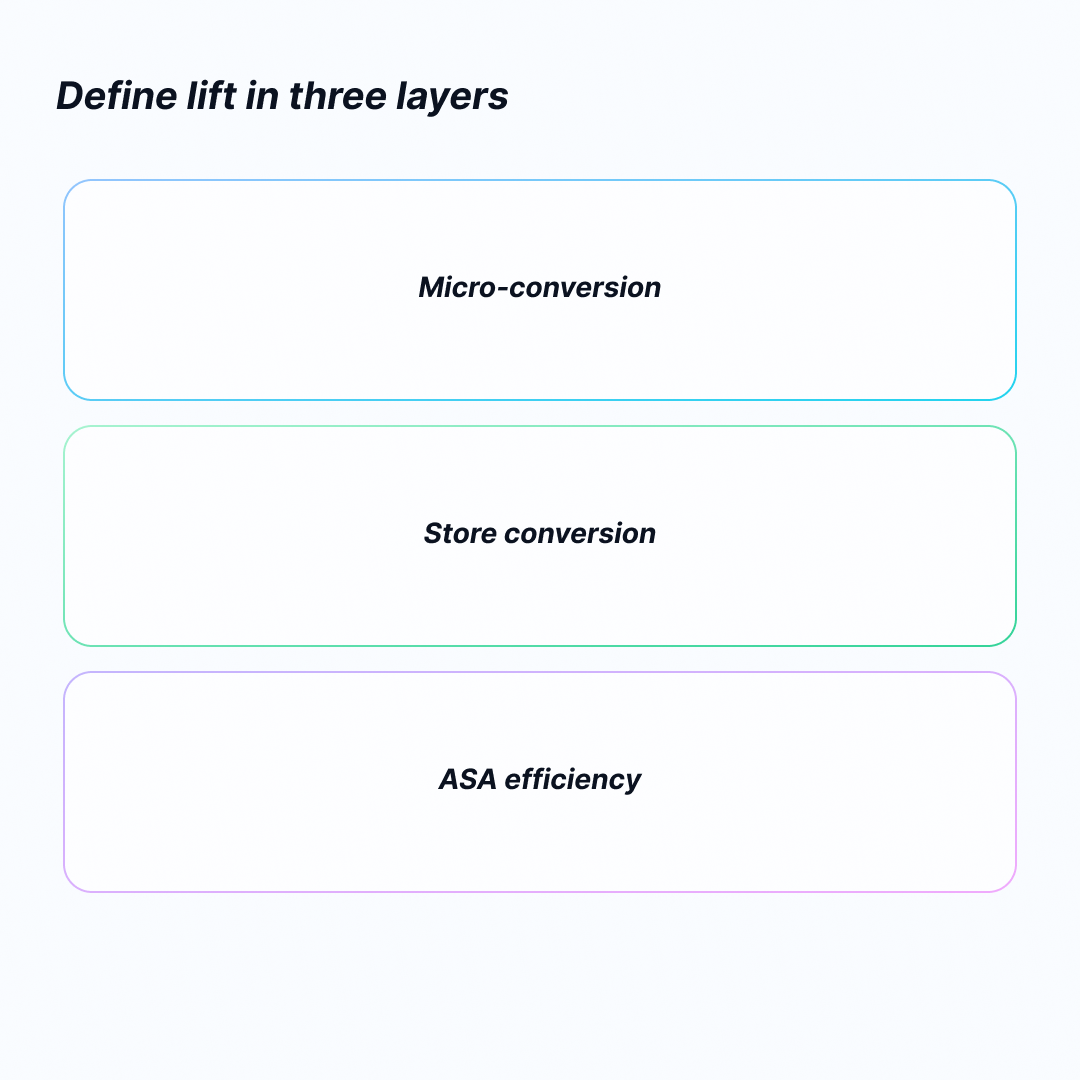
Define lift in three layers:
First, micro-conversion. Track the mix of ratings by star, the share of ratings with written text, and the time from trigger to rating submission.
Second, store conversion. Measure the change in product page conversion rate for countries where automation is on, normalized for seasonality and ad mix.
Third, ASA efficiency. Monitor tap-to-install conversion, cost per acquisition, and win rate at constant bids in the same geos.
Use holdouts. Run at least one country without the automation or hold back a stable percentage of users as a control.
If you rely on Custom Product Pages, track whether reviews that mention the CPP's promise increase after rollout.
Maintain a simple dashboard that shows rating velocity, average rating for the latest 7, 30, and 90 days, and deltas in store conversion and ASA cost curves.
If you cannot see a lift within a few weeks, revise your trigger moments rather than increasing frequency.
Engineering the System: Simple, Resilient, and Configurable
You can build this with a lightweight event queue and a single decision function.
Every time a candidate event fires - completed order, finished workout, exported report - push it to a local queue with a timestamp and the trigger type.
On app foreground or after the event, run a decision function that checks guardrails:
- Is the user eligible by session count and recent activity?
- Is the cool-down expired?
- Has another system prompt just been shown?
- Is a global ceiling reached?
If all gates pass, show optional pre-prompt text that explains why feedback helps and keeps the escape path obvious.
Then call the system API to request the review and immediately log the attempt and the trigger used.
If the operating system chooses not to display the prompt, your logs still record the attempt and your cool-down still applies.
Keep the behavior in remote config. You want to change cool-down days, eligible countries, and active trigger types without shipping a new build.
Represent this as a small JSON block with fields like min_sessions, session_depth, cooldown_days, eligible_events, never_on_versions, and country_allowlist.
Add a global toggle and a rolling log with the most recent attempts so support can help users who complain about prompts.
From a QA standpoint, expose a debug screen in development builds that lets testers force eligibility and preview the pre-prompt copy.
A Practical Playbook You Can Adopt this Quarter
Start by choosing two to three high-signal triggers and wire them with conservative guardrails.
Examples include:
- The second successful core action in one week
- The first resolution of a support ticket within 24 hours
- The second session where the user completes the main workflow
Set a generous cool-down measured in weeks and keep the system off for new users until they cross a minimum engagement threshold.
Write a single sentence of pre-prompt microcopy that ties to user benefit. For example: "If you find these summaries helpful, a quick rating helps others discover the app." Keep it neutral and non-transactional.
Deploy to one country where you already have steady traffic. Leave another similar country as a holdout.
Keep the feature behind remote config and watch three things: the velocity of new ratings, the proportion of five-star versus three-and-below, and store conversion changes.
If the ratings come in but store conversion does not move, your on-store assets may be the bottleneck, not social proof.
If conversion rises but ASA costs do not fall, you may be bidding into low-intent inventory. Review your keyword mix and your CPP alignment.
Feed learning back into the funnel. If most new reviews praise a specific feature, highlight that feature earlier in your screenshots and short description.
If users mention confusion, run a quick onboarding test to fix it before asking for more reviews.
Over time, your review automation becomes part of a broader loop where product changes, ASO messaging, and ASA targeting inform one another.
Conclusion
Automating review requests is not about squeezing more prompts into a user's week. It is about aligning your task with real value and protecting the user experience while you do it.
When you combine thoughtful triggers, strict anti-spam policy, and a measurement plan that connects to ASO and ASA metrics, you create a durable advantage. Ratings become fresher and more persuasive, conversion improves on the store, and your paid spend works harder without higher bids.
Build the simplest system that respects users and gives you control. Then iterate on the moments that matter, not on the frequency of asking.
FAQs
When Should I Ask Users for an App Review?
Ask after users complete meaningful actions that demonstrate value. Examples include finishing a core workflow for the second time, resolving a support issue successfully, or completing a tutorial. Never ask on first launch or before users experience value.
How Often Can I Request App Reviews from the Same User?
Set a cool-down period of at least two to three weeks between requests for the same user. iOS already limits how often the native prompt appears, but your app-level throttling should be even more conservative to protect user experience.
Does Review Automation Work for Both iOS and Android?
Yes, but the implementation differs. iOS uses SKStoreReviewController with OS-level rate limiting. Android uses the in-app review API with similar principles. Both platforms require value-based timing and anti-spam guardrails.
How Do I Measure If Review Automation Improves ASA Performance?
Track three metrics: store conversion rate changes, ASA tap-to-install conversion, and cost per acquisition at constant bids. Use a holdout country or user segment to establish a baseline. Improvement typically appears within two to four weeks.